Slide Karting
Instructions:
Use mouse to play this html5 kart gamesDescription
Slide Karting In-Depth Review and Guide
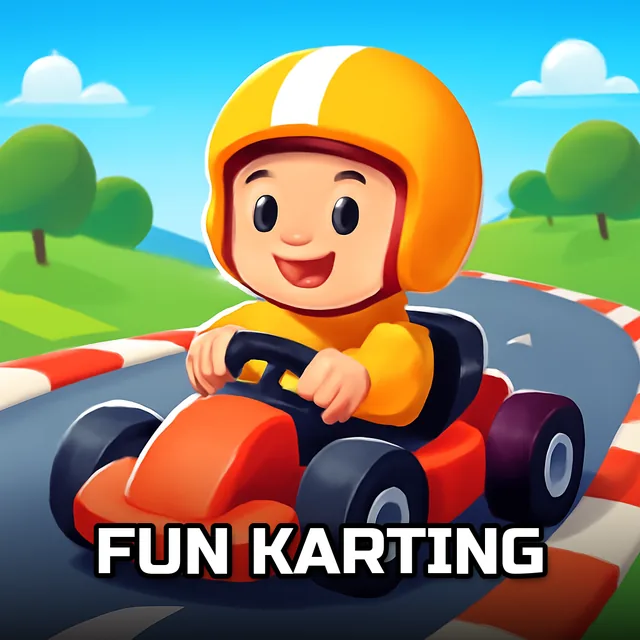
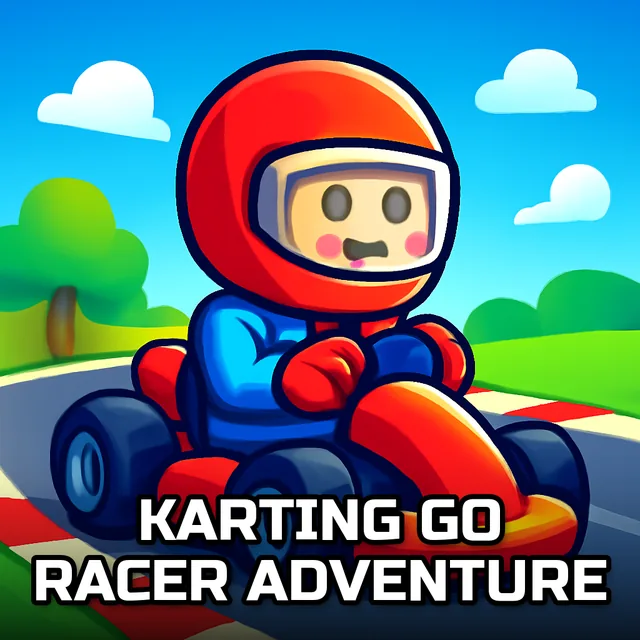
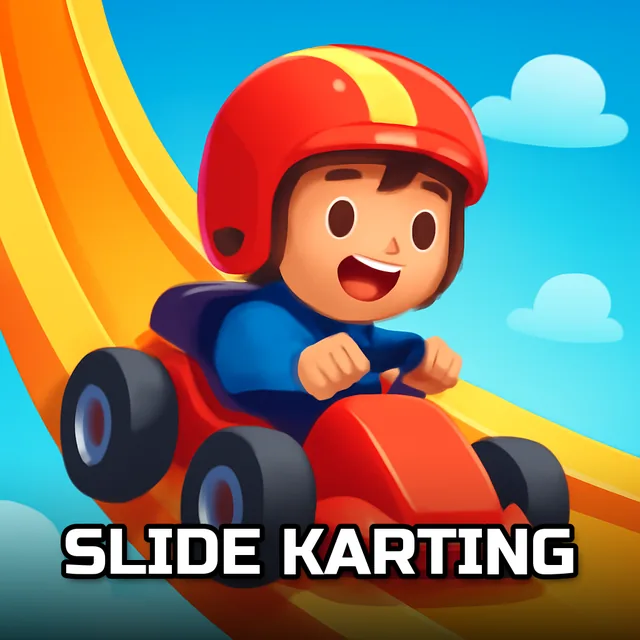
So this one's a bit of a curveball for anyone expecting an actual racetrack. Slide Karting swaps out steering wheels and drift mechanics for something slower and more cerebral: a sliding tile puzzle dressed up in kart racing artwork. You get three separate kart images, each chopped into scrambled tiles, and your job is to nudge those pieces back into place. No engines revving here, just the quiet satisfaction of watching a jumbled picture click back into order.
Game mechanics and objective
The core loop is simple enough that anyone can pick it up in seconds. Each puzzle takes a kart-themed picture, breaks it into a grid, and shuffles everything around. From there you click and drag pieces with the mouse until the full image reassembles. Three modes are packed in too, so the difficulty and pacing shift depending on which one you pick, giving the whole thing a bit more staying power than a single fixed puzzle would.
Key Combinations
- Left-click and hold a tile to pick it up.
- Drag the held tile toward its intended slot.
- Release the mouse button to drop it into place.
- Click between the three available images to switch puzzles.
- Select a mode before starting to change how the challenge plays out.
Pro-Level Advice
- Start with the corners and edges of the kart image first; they're way easier to identify than the busy middle section.
- Glance at the reference thumbnail often, don't try to memorize the whole picture from one look.
- Work in small clusters instead of jumping around randomly, it keeps your progress from unraveling.
- If a section feels stuck, back off and rebuild a nearby patch first, it usually unlocks the piece you were missing.
- Try all three modes early on so you know which pacing actually suits how you play.